Attendance collection options

Choose the right attendance method for each workplace.

Combine fixed-site facial, fingerprint or QR terminals with mobile GPS attendance for field teams, then bring the collected records into one cloud attendance workflow.

Devices can be purchased without an HRM.my subscription; subscriber pricing options are also available.
Available collection methods
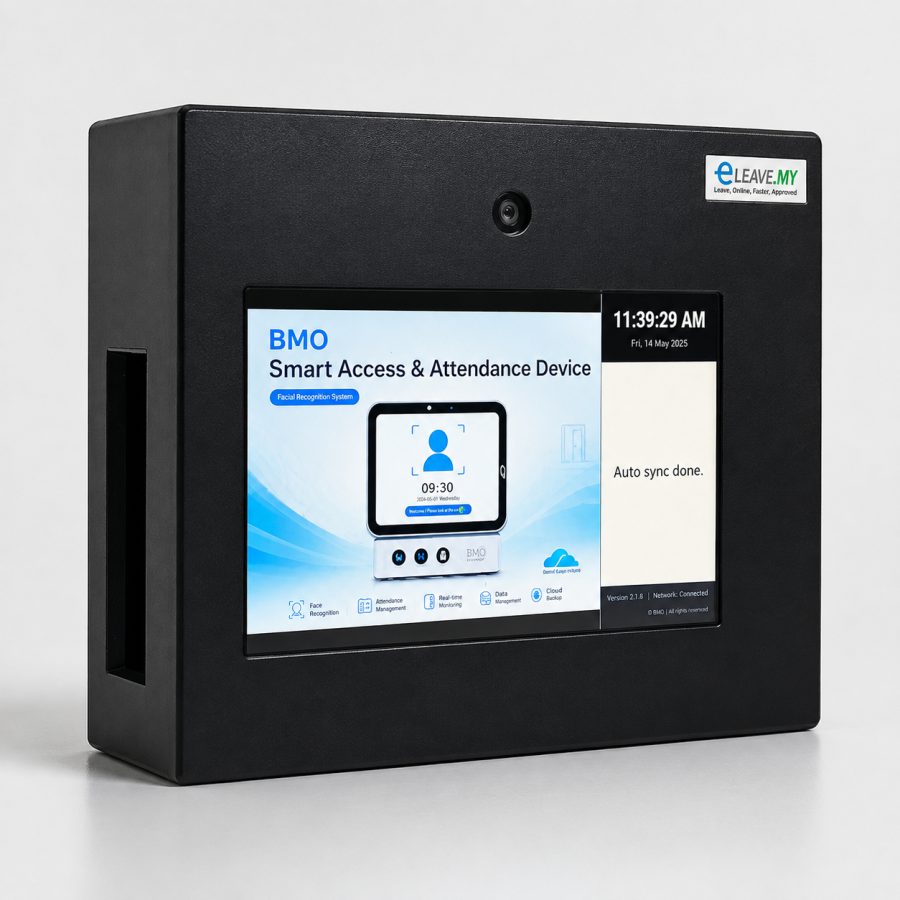
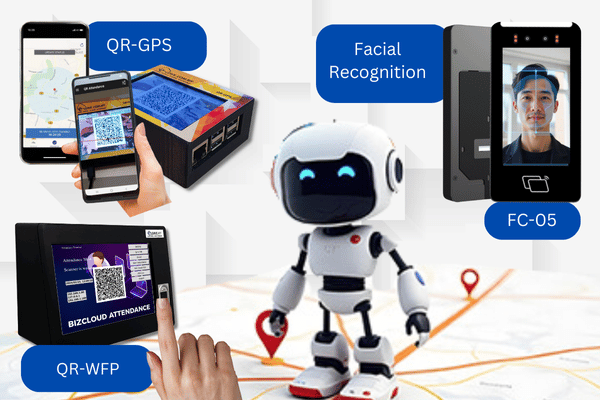
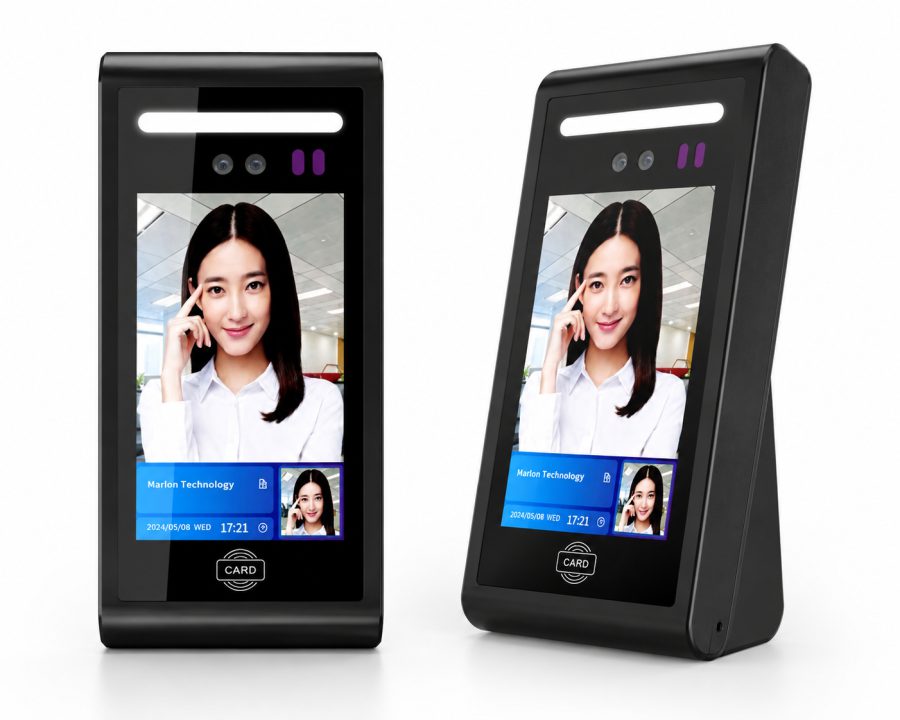
FC-05 Face Cloud facial recognition
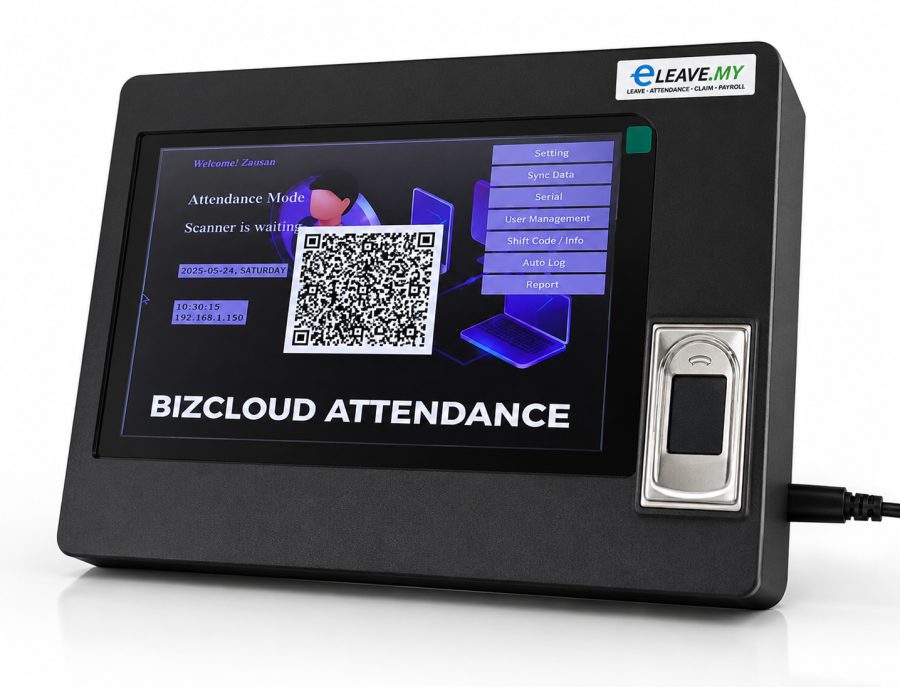
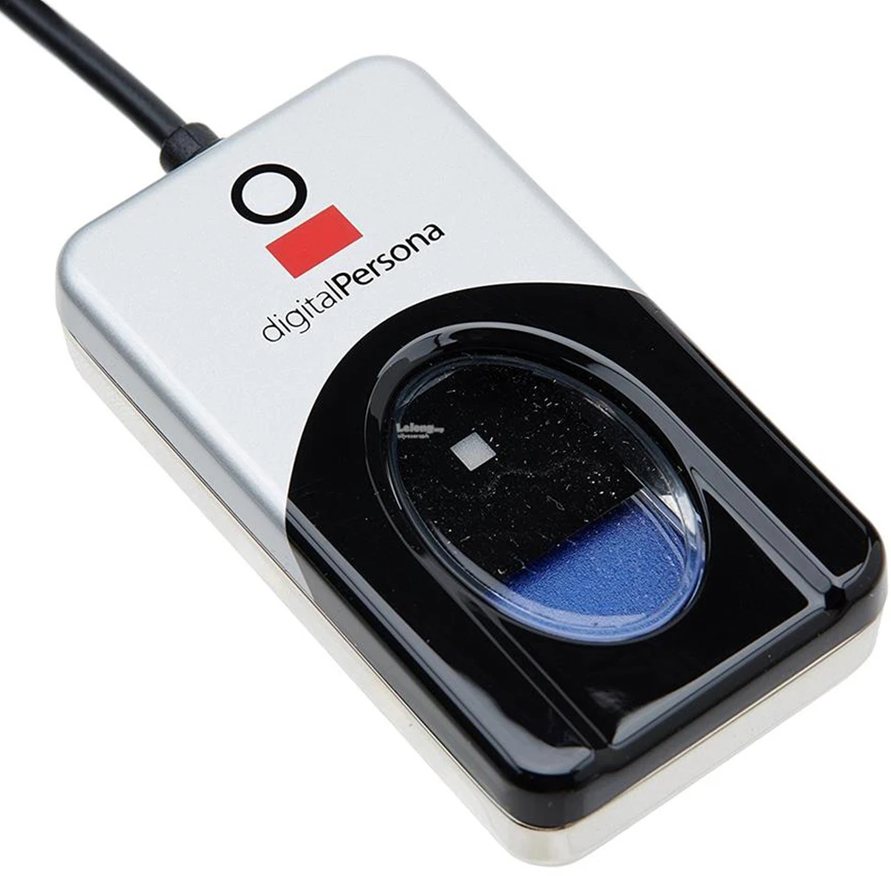
Fingerprint biometric attendance
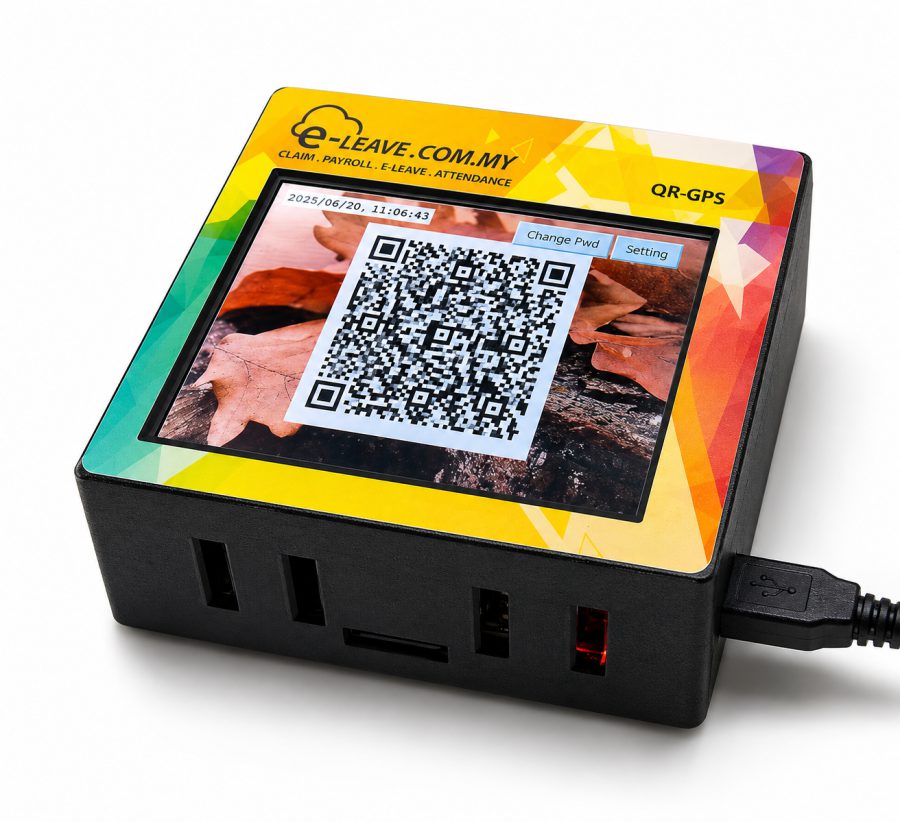
QR-WFP and QR-GPS attendance systems
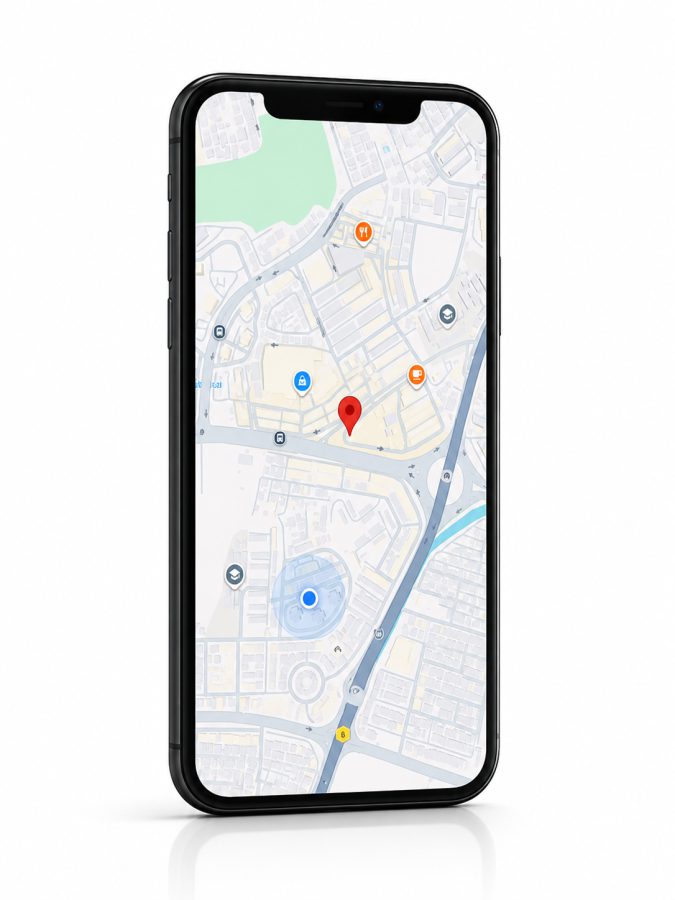
BizCloud App GPS geo-fencing
Cloud sync into unified attendance reporting
Choose by workplaceMix methods for offices, branches, remote teams and field employees
Options for fixed workplacesUse facial, fingerprint or QR devices at offices, branches and controlled locations.
Support field employeesLet authorised mobile employees clock in within configured GPS parameters.
One attendance recordConsolidate supported collection methods in HRM.my for processing and reporting.
Device and mobile options

Attendance collection for different teams and locations.

The earlier HRM.my attendance page identifies facial recognition, fingerprint, mobile apps, QR codes and GPS as supported clock-in options. Current device listings include the FC-05, U are U, QR-WFP and QR GPS systems.

01

FC-05 Face Cloud attendance

Use fast, contactless facial recognition at a fixed attendance point with cloud-connected attendance handling.

02

FC-05 with door access option

Choose the listed FC-05 package with attendance and door-access functionality when physical access control is also required.

03

U are U fingerprint attendance

Use fingerprint verification as a secure biometric option for employees clocking at a fixed workplace.

04

QR-WFP attendance system

Use the listed QR-WFP device as another fixed-location attendance collection method.

05

QR GPS attendance system

Use QR and GPS information to support location-aware attendance at configured work areas.

06

BizCloud App mobile attendance

Give authorised field or distributed employees a smartphone clock-in workflow instead of requiring a return to the office.

07

GPS geo-fencing

Define named permitted areas and apply location parameters to employee groups for mobile attendance control.

08

Preset attendance parameters

Allow mobile clock-in and clock-out only within the attendance settings and policies configured by the company.

09

Device and location naming

Give devices recognisable names and associate collected records with the relevant company location.

10

Cloud record consolidation

Bring records from supported devices and mobile methods into the central HRM.my attendance system.

11

Attendance processing

Match collected time records against the employee’s work pattern and configured attendance rules.

12

Unified reports

Review late arrival, early departure, missing records, attendance details and other calculated results in common reports.

13

Multi-branch visibility

Use central cloud records to review supported attendance methods across branches and teams.

14

Authorised administration

Control device, location and manual record administration through the appropriate HRM.my users and workflows.

Collection methods

See the available attendance options and software settings.

These existing HRM.my product visuals illustrate the supported device and mobile choices. The software screenshots show the location and timesheet administration used after records are collected.

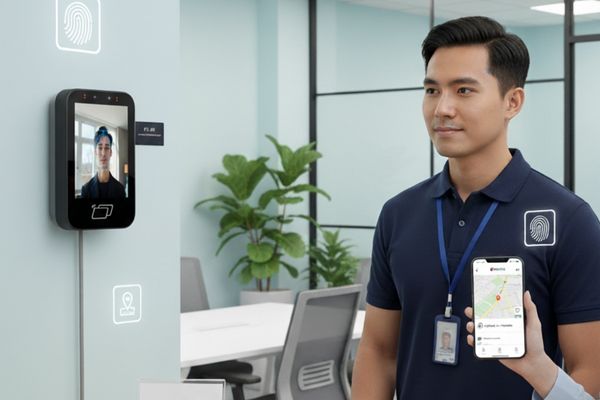
Employee using facial recognition and mobile GPS attendance methods
Fixed and mobile attendanceCombine a workplace terminal with mobile location-aware attendance for distributed employees.
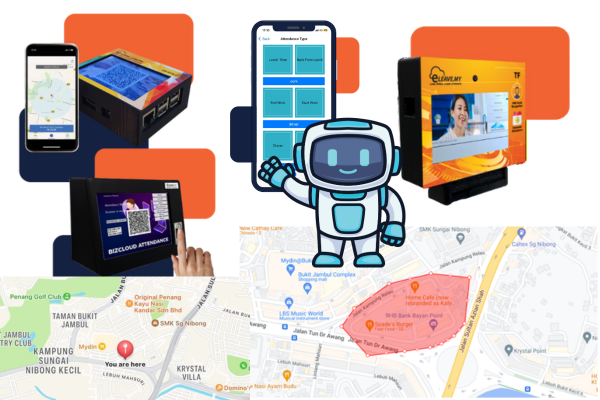
HRM.my attendance device and GPS geofencing overview
Multiple attendance methodsExisting HRM.my material presents facial, QR, mobile and location-aware attendance options together.
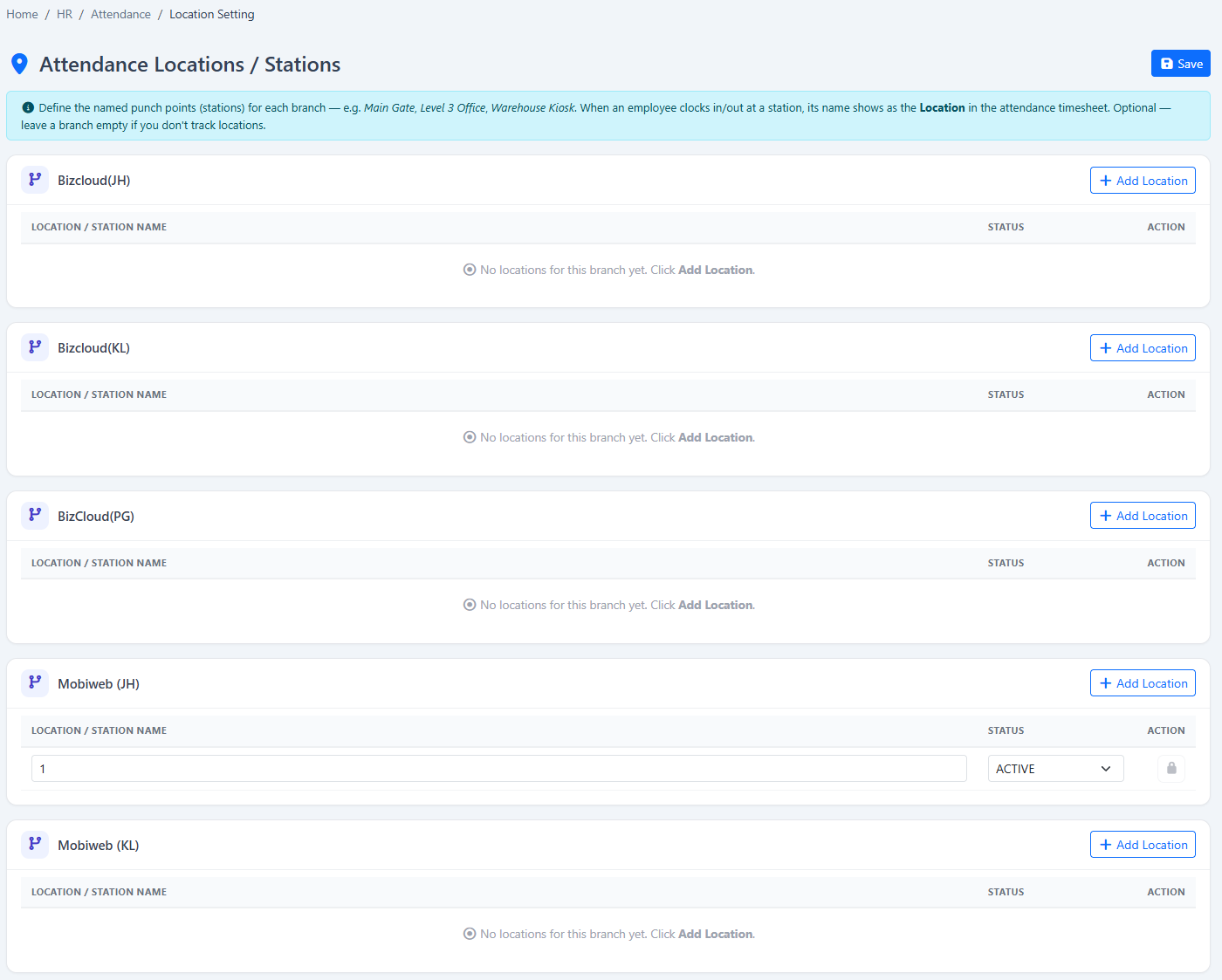
HRM.my attendance location and device settings
Location and device settingsName attendance devices and associate collected records with recognised company locations.
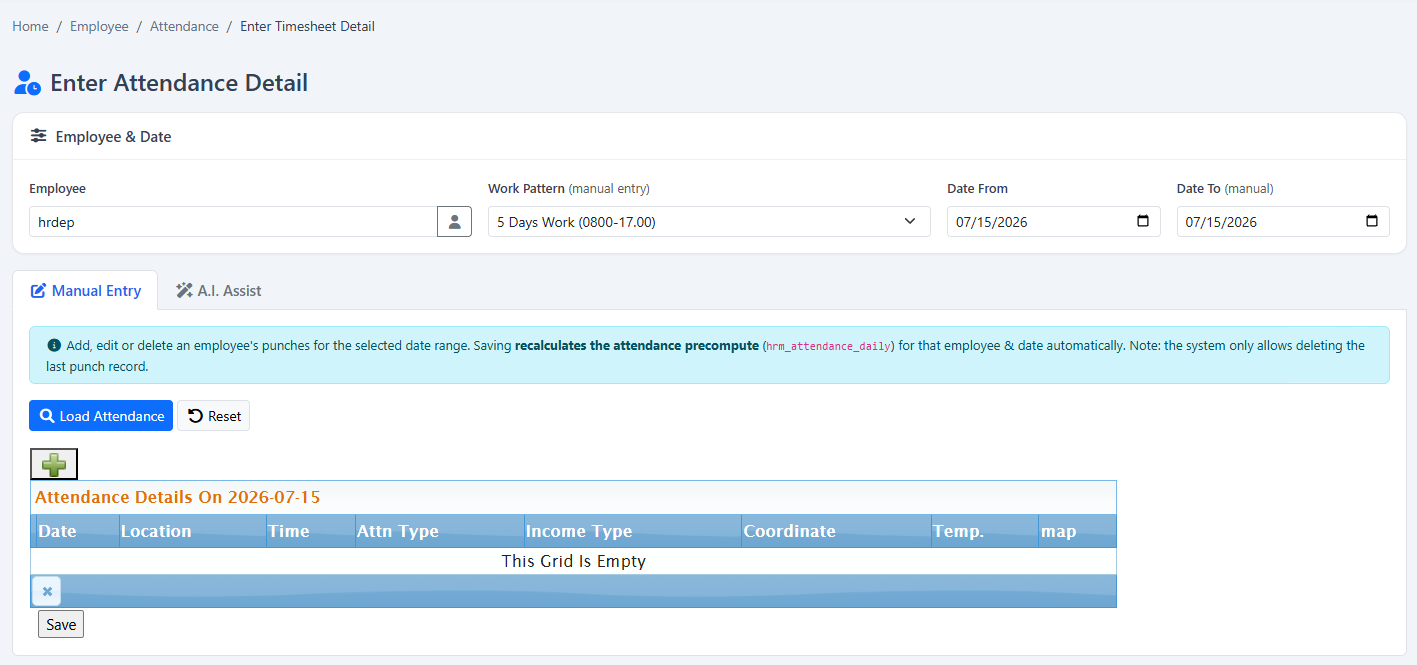
HRM.my attendance timesheet detail administration
Timesheet administrationReview or correct authorised time details after attendance records enter the system.
How it works

From attendance collection to a calculated daily result.

Different devices can feed the same attendance process when employees, locations and work rules are configured correctly.

  1. 1
    Choose collection methodsSelect facial, fingerprint, QR, GPS or mobile attendance for each workplace and team.
  2. 2
    Configure employees and locationsAssign work patterns, device names, locations and applicable GPS areas.
  3. 3
    Collect and sync recordsBring supported device and mobile clock-in information into the cloud system.
  4. 4
    Process and reportMatch records to attendance rules, review exceptions and prepare management reports.
Flexible device purchase

Purchase attendance devices with or without an HRM.my subscription.

Choose hardware independently or connect supported devices to HRM.my for central work-pattern processing, exception review and reporting. Device models and commercial terms should be confirmed with BizCloud Asia.

Available without a subscriptionThe current pricing information allows attendance-device purchases without an HRM.my module subscription.
Subscriber optionsHRM.my subscribers can ask about the listed monthly device pricing and available discounts.
Connected attendance workflowLink supported collection methods to schedules, attendance processing and reports.
See this module in action

Match attendance collection to your offices, branches and field teams.

Tell us about your company and we’ll demonstrate the workflows that matter to your team.

Request a demonstration Start free trial